Carnegie Mellon Web Kilt
Components and working examples that fit Carnegie Mellon's web template, for CMS sites and web apps.
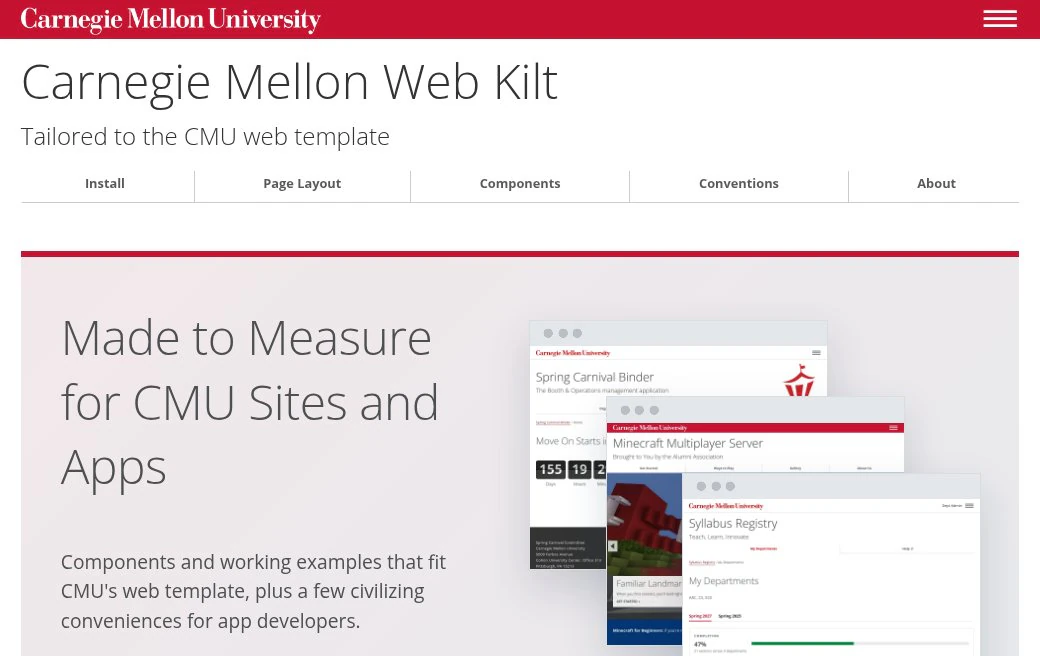
What It Does
- Starts with the template. It documents the markup CMU’s template already styles, then adds components where you need more: page layouts, callouts, status pills, dialogs, file drop zones and more.
- No build step. It’s two stylesheets and a browser script, plain CSS and JavaScript, with no required framework.
- Every example ready to copy, with steps for Cascade and other CMSs, and notes for React, Astro, Django, Rails, Svelte and Vue.
- Writing conventions, so the words on the page feel at home at CMU too.
Who It’s For
Anyone building a CMU website or app: a Cascade site, a custom web app or a quick prototype. Use the pieces you need alongside the template.
For AI Coding Assistants
The Web Kilt has an MCP server, so an assistant like Claude, Copilot or Cursor can use it while it works. Add it as a remote server in the assistant’s settings:
| Setting | Value |
|---|---|
| Transport | Streamable HTTP |
| URL | https://webkilt.andrew.cmu.edu/mcp |
| Authentication | None |
Ask it to set up the Web Kilt for your project. It gives installation steps for your kind of site or app, finds components and their markup, supplies the writing conventions and the link preview guidance, and checks your HTML for common mistakes.
Code and License
The code is on GitHub at cmu-web-kilt, under the BSD 3-Clause License. CMU’s names, marks and artwork aren’t covered by that license. To report a problem or suggest something, open an issue there.