About the Carnegie Mellon Web Kit
The Carnegie Mellon Web Kit adds components to CMU's web template for Cascade sites and web apps that need to look and feel like part of the university.
A Starting Point for App Developers
CMU's web template already includes useful widgets for building pages. The kit documents what's available, with live examples and markup you can copy, so app developers can find and use those pieces in their own projects.
It also adds a few civilizing conveniences for app development: status labels, copy buttons, file drop zones and other controls that everyday tasks call for. The aim is to make building an app in CMU's style easier, with less custom CSS and fewer pieces to reinvent.
How It Works
CMU's template supplies the page structure, navigation, typography, buttons and links. The kit uses those styles and adds components such as callouts, status labels, tabs and file drop zones.
- In Cascade, add the content stylesheet to your site, then paste components into a content section's Source code view.
- In an app, load the kit after CMU's template and use the components in your existing pages. Your app handles its own data and actions.
- Use a specific release, so your pages change only when you choose to update.
The kit is two stylesheets and a small browser script, with no build step or required JavaScript framework. The installation guide shows which files to load for your project.
The GitHub repository has the code and documentation. To report a problem or suggest a component, open an issue or send a pull request.
See the Kit in Use
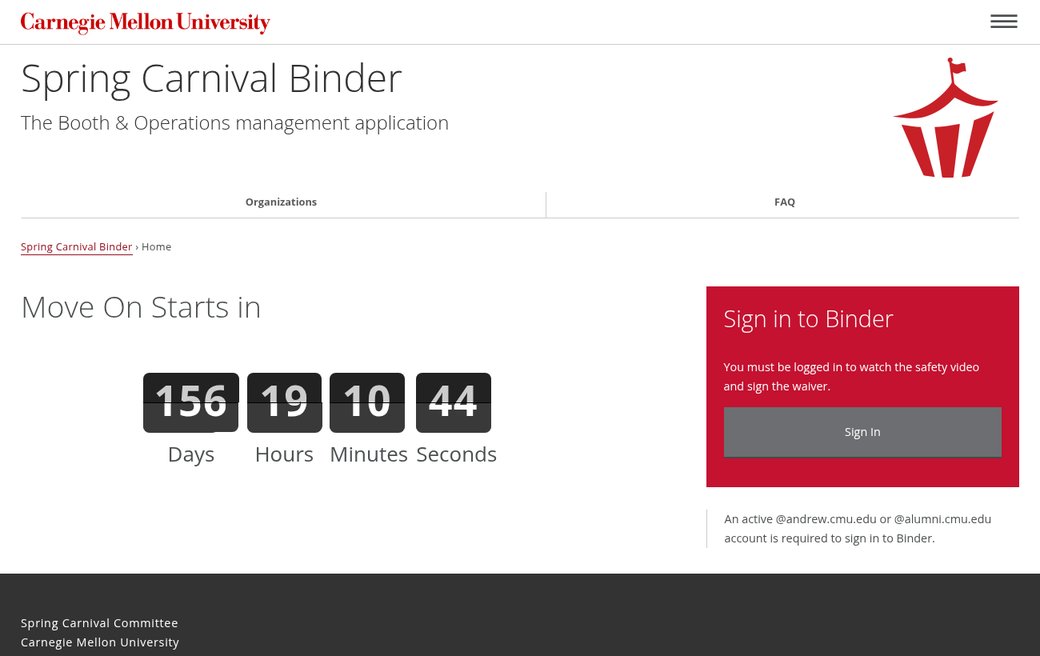
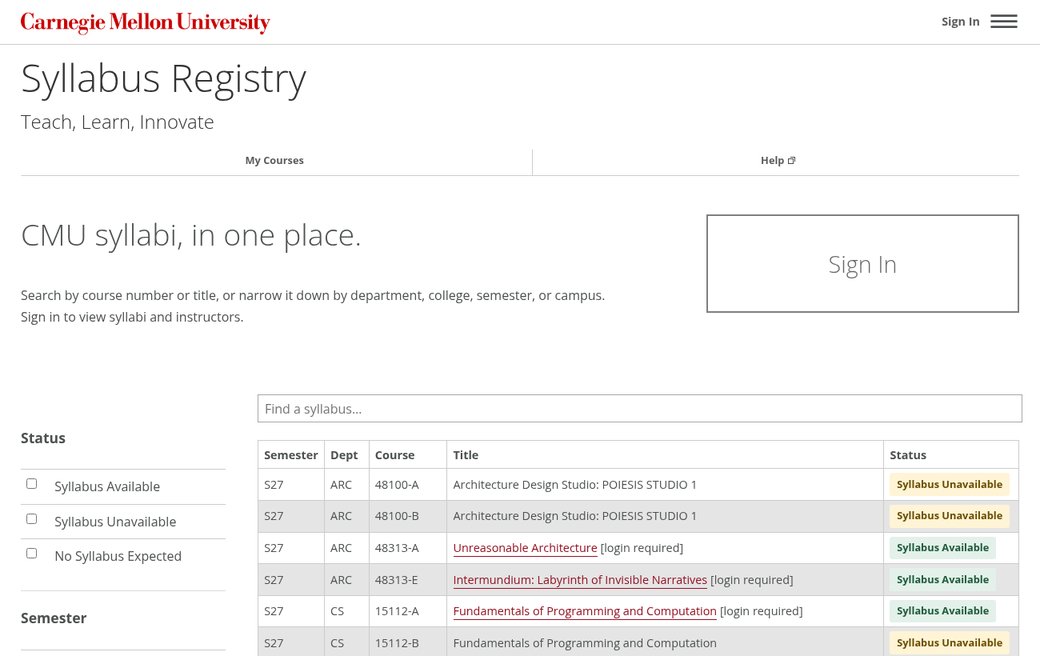
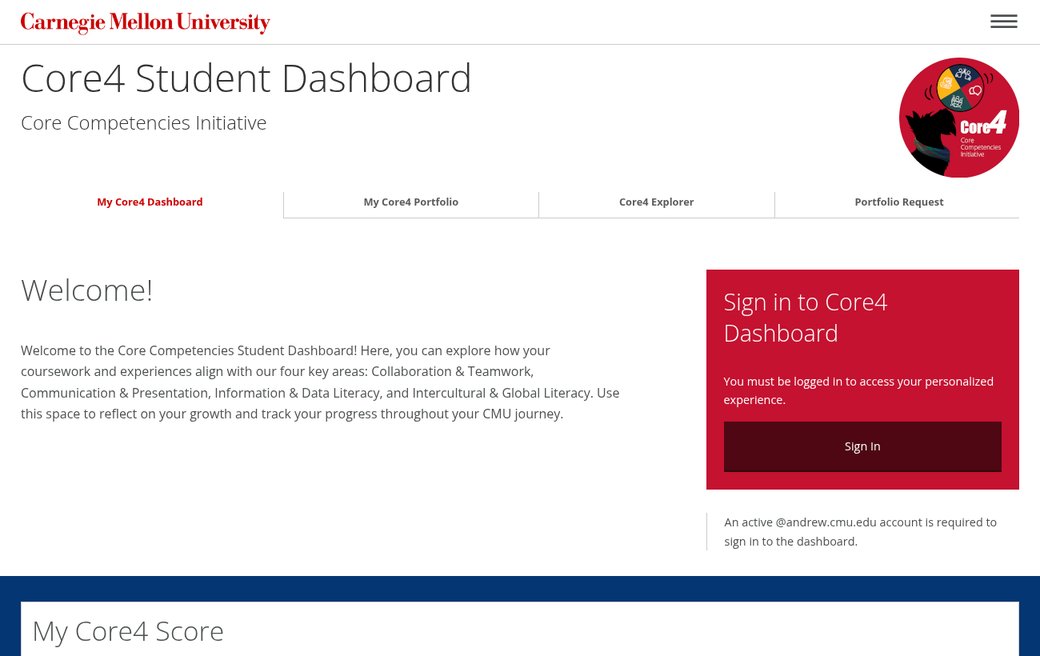
A few sites and apps using the kit. Explore the gallery for ideas for your own project.
Help With a University-Wide App
Building an app for people across CMU, or giving an existing service a CMU look? We can help you fit its navigation, forms and other screens to the university's template and choose components that work together.
Tell us who will use it, what you're building and where you need help. An existing app, a prototype or a few screenshots is a good place to start.
More CMU Web Tools
The Carnegie Mellon Web Kit is one of three CMU Web projects for building Carnegie Mellon websites and web apps.
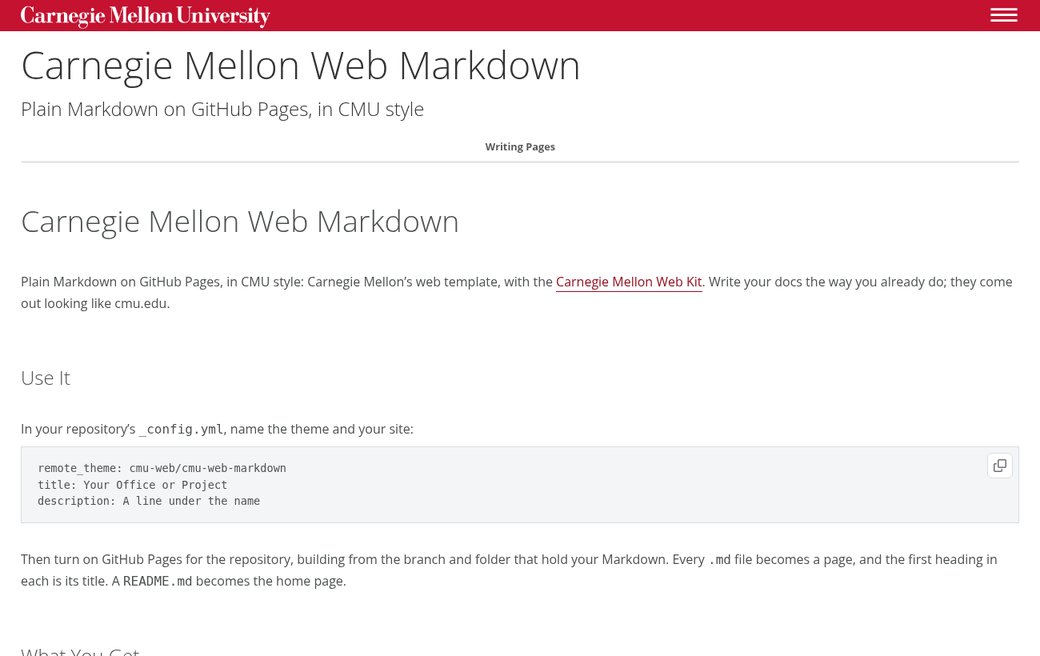
Carnegie Mellon Web Markdown
A GitHub Pages theme that turns plain Markdown into pages in CMU style.
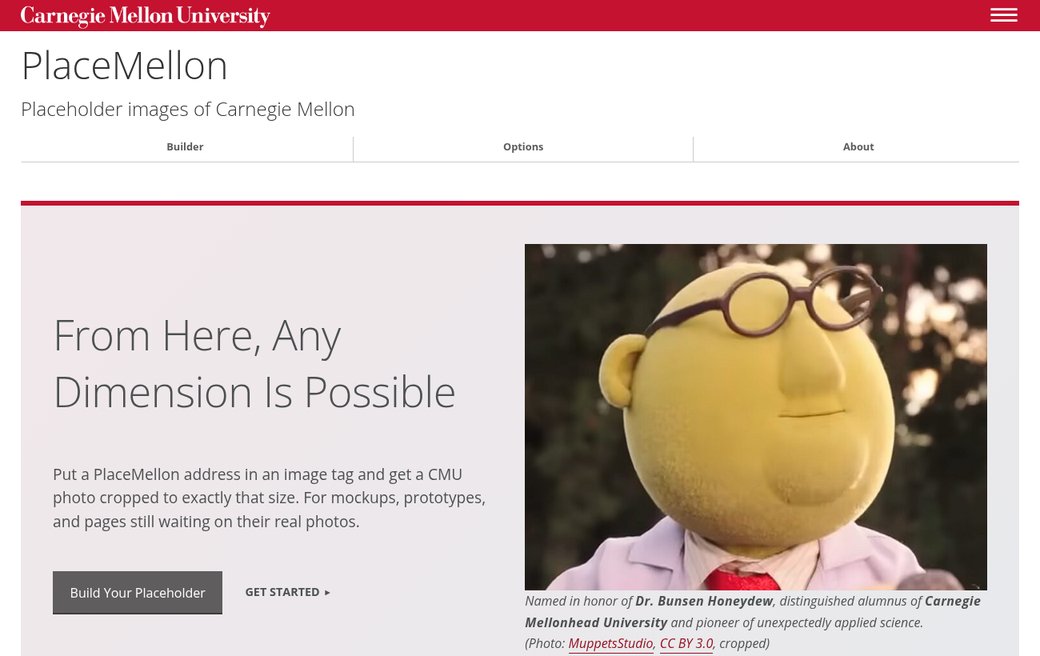
PlaceMellon
Placeholder photos of Carnegie Mellon at any size, for mockups and prototypes.