Page Tops
What goes at the top of a page: an eyebrow, a lead and buttons, and a hero with screenshots.
Eyebrow, Lead and Call-to-Action Row
An eyebrow is an optional short red line right above a heading. Use it on a page or card meant for one group ("For Students," as on path cards), or to flag something new ("New for Spring 2027"). Leave it off a page for everyone, such as an app's home page, and never repeat the site's name in it: that's already the big title at the top of every page. A lead is the larger first paragraph under a page title. The call-to-action row lines up a button, a link and an optional note. A paragraph with just a button and then a call to action gets the same spacing without it.
cmu-eyebrow, cmu-lead, cmu-cta-row,
cmu-cta-note
For Students
Borrow a Camera
Reserve one in about a minute, and pick it up at the desk.
Use your Andrew ID.
Hero
The top of a home page: copy on the left, art on the right. It becomes one column
below 820px. Lead with a tagline that says what the app does, then a button for the
main action and a "Get Started" call to action that jumps to the first section below,
headed Get Started. The tagline is the page's <h1>, and so is each
section's heading after it (see
Page Sections). The art can be:
- One screenshot, drawn in a browser frame.
-
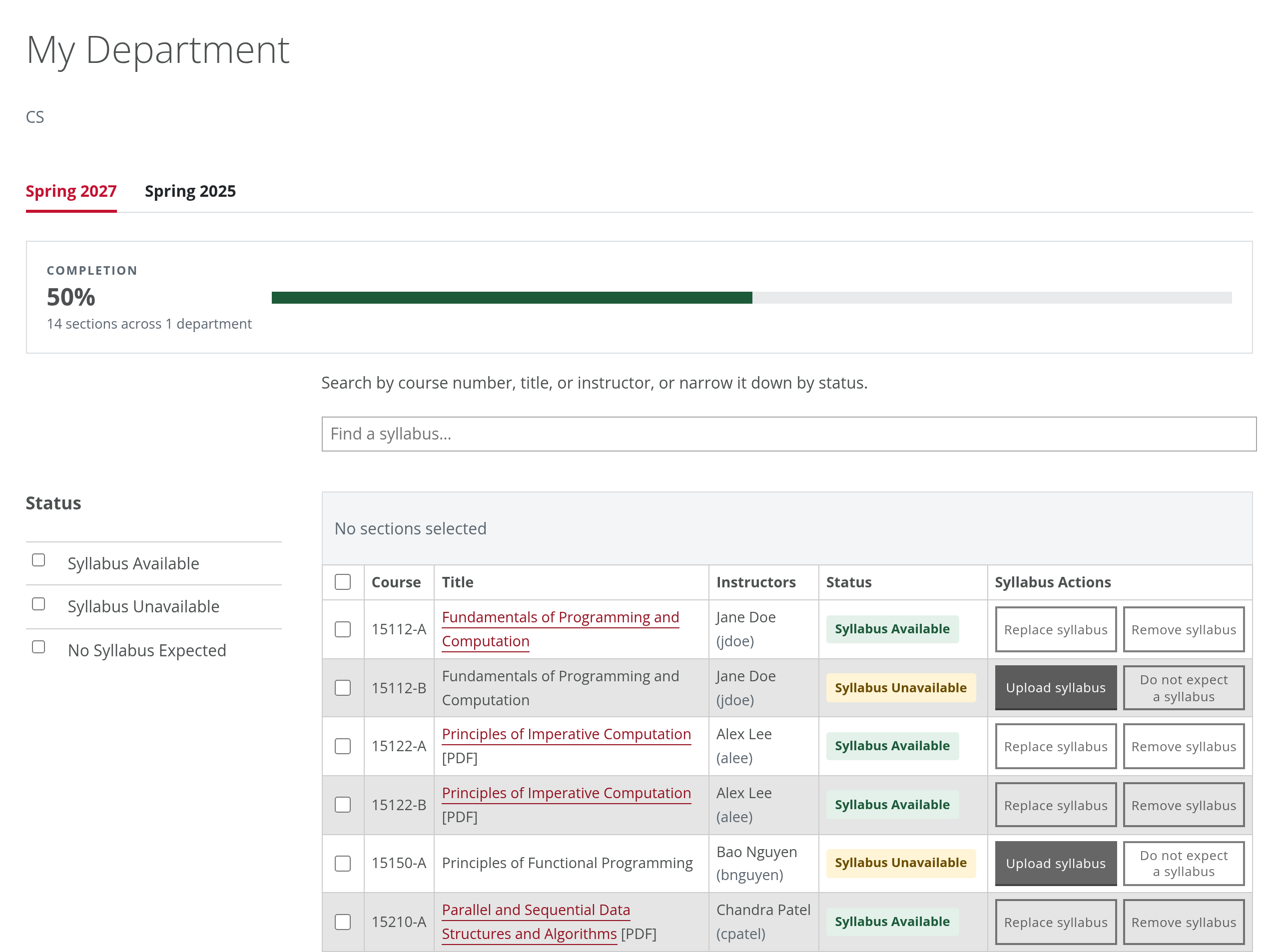
Two or three screenshots, overlapping, with
cmu-hero-art--stack. They're cropped to the same shape from the top, and the last one is in front, so put the main one last. -
A photo or a tartan with no frame, with
cmu-hero-art--plain. Use the tartan files from brand.cmu.edu as they come: the brand rules don't allow redrawing or recoloring the tartan.
cmu-hero, cmu-hero-art, cmu-hero-art--stack,
cmu-hero-art--plain
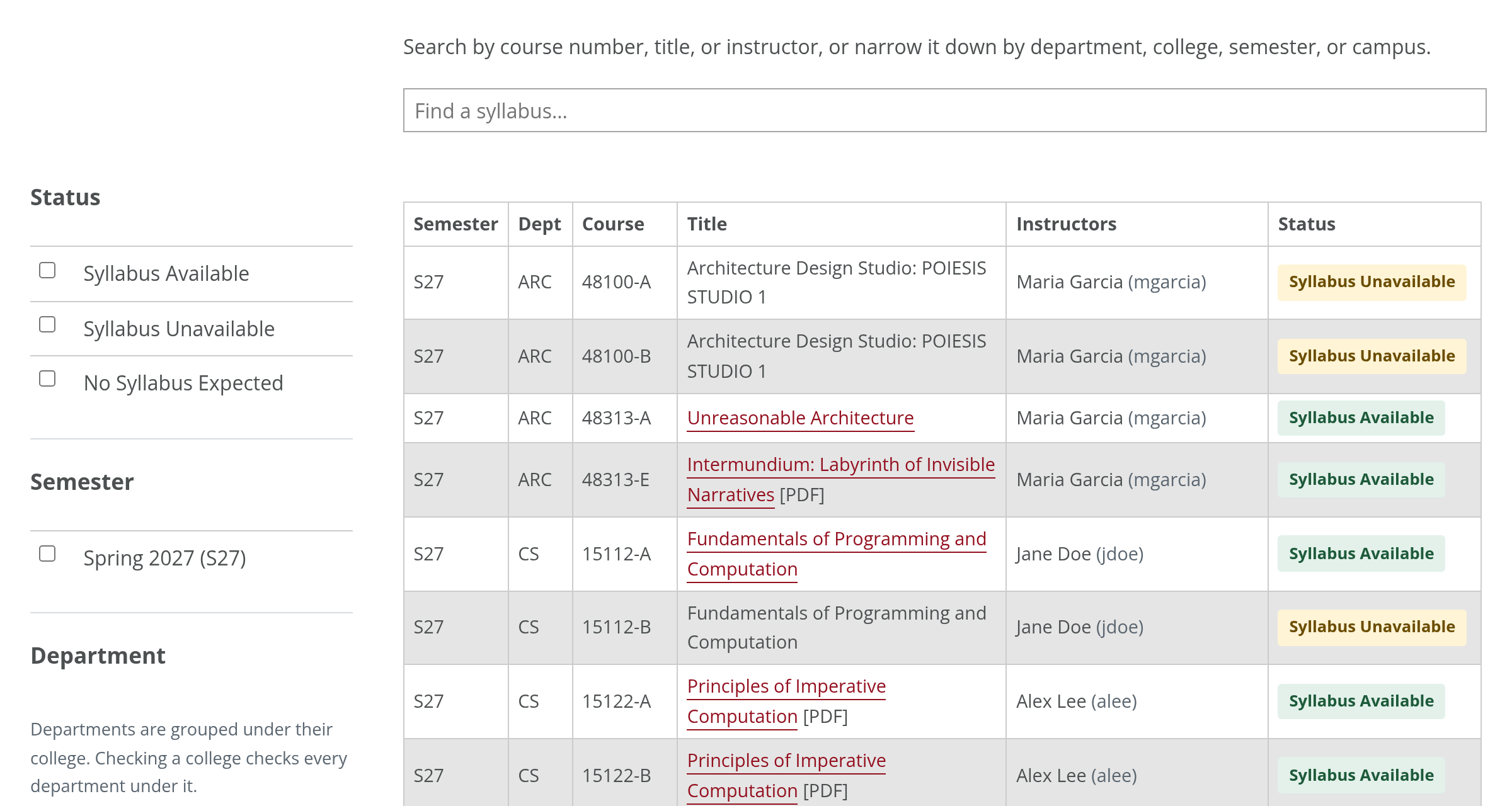
Two or three screenshots:
A photo or a tartan file:
<div class="cmu-hero-art cmu-hero-art--plain">
  <img src="images/tartan.png" alt="">
</div>